
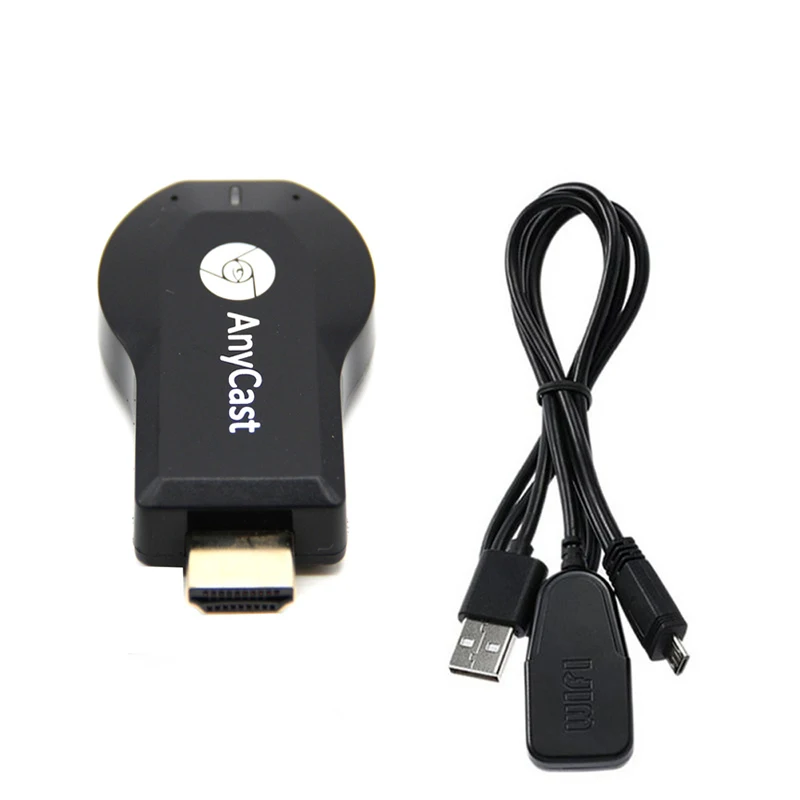
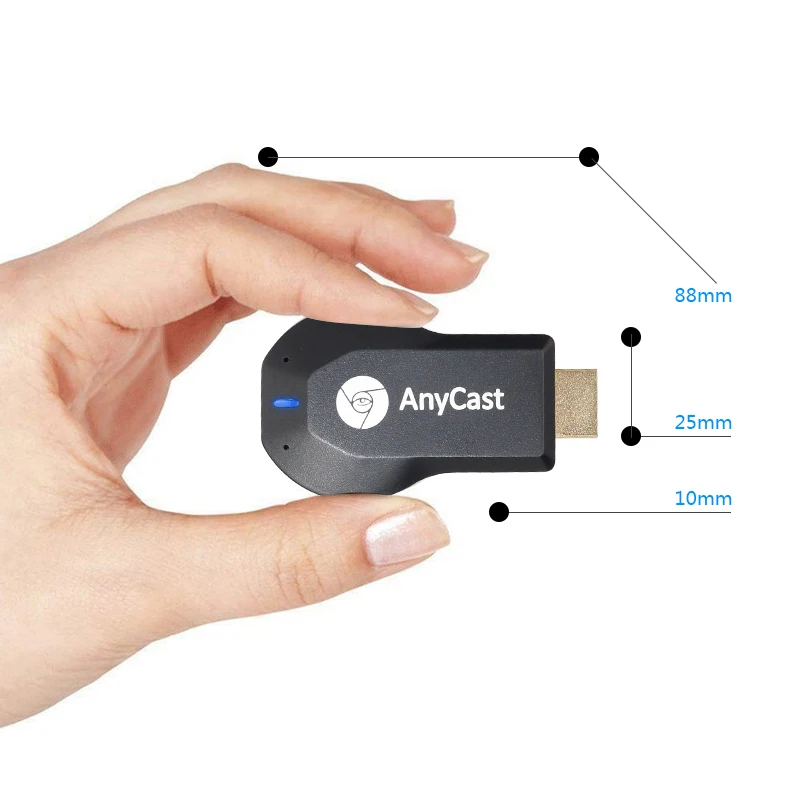
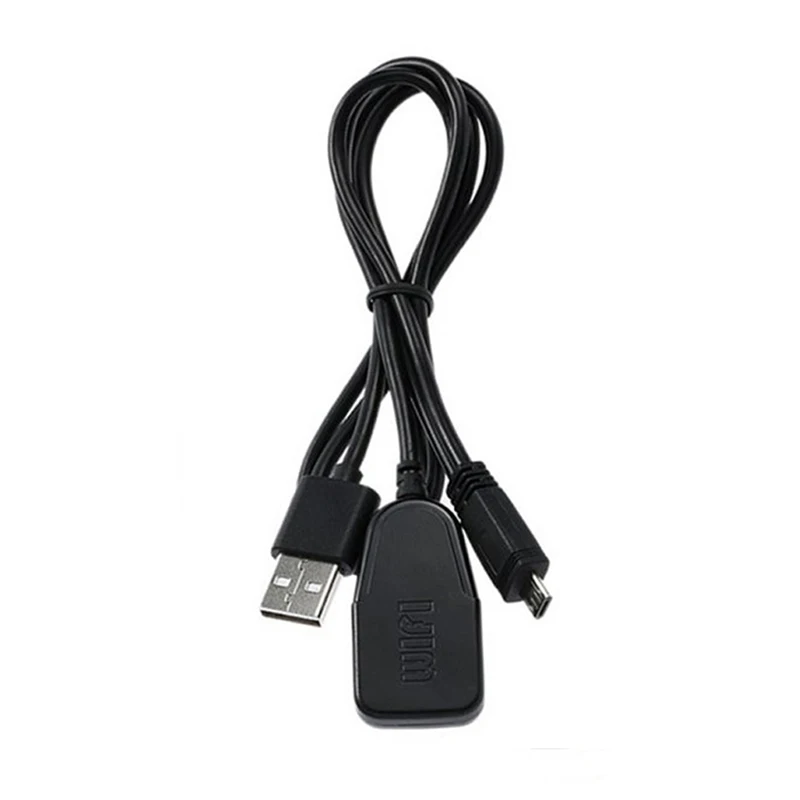
Introduction:
1,Aanycast can be used for LCD/LED TV set ,Projector,Monitor with HDMI input.2,Wireless Display Dongle supports IOS ,Android OS.3,Wireless Display Dongle can cast the contents of any Wi-Fi enabled item like phone/android phone/tablet on your TV screen .4,Support Miracast as long as your device have this function.5, Unique EZcast function is powered by vsmart,let the sharing become easy.6,Support 1080P output
Pay attention before purchase:
1, If you use the for IOS devices, it support for iphone 4S or later, for ipad 3 or later.(for IOS 7 or above, please be assured that it supports IOS10.X.)2, If you are using for Android devices, make sure your device firmware is android 4.2 or above, and must support miracast. You can check whether your devices has “Wireless Display”,”WLAN Display”, “project screen” , “Screen Mirror” or “Allsharecast”. If not, then we can not guarantee that it can mirror your devices.3. it can not use for computer tablet or laptop!4:The WiFi Wireless Display Receiver uses Miracast standard Protocol. Due to the Netflix and YouTube videos which are encrypted, the product will cannot achieve the function of projecting your Smart Phones / Tablet PC to another big screen devices.5. It can not use “ezcast” App, you can use other app which support DLNA or airplay
When you using it:
1, Please use the 5V power adapter for power supply, if the current less than 1A, there may be any failures, such as WIFI unable to boot, can not modify the parameters in the Settings page and so on.2, In Airplay mode, you can see the information on the TV screen, it will show “SSID: RKCast ******** Password: 12345678”. You can connect to it from your phone. When you connect to Mirascreen ********, you can enter the setup interface (http:// 192.168.49.1), set “Intelnet” make it connect to the Internet.3, It has a button to switch Airplay (DLNA) and Miracast mode, in Miracast mode, you can not see WIFI SSID, you only need to connect to it from your Android phone Miracast options, such as “wireless display.”4, In Airplay mode, which is equivalent to DLNA mode. You can push video, pictures, music from android devices, windows devices, and other devices. As long as your app can support DLNA.


Avaliações
Ainda não existem avaliações.